
Registering a domain name with us is a straightforward process. Here are the basic steps, depending on where you are starting from:
1. From Our Website
-
Begin your domain name search directly on our website.
-
Once you find the perfect domain, you will be redirected to complete the purchase by clicking the `get now` button.
Ensure that the extension you are interested in is available.
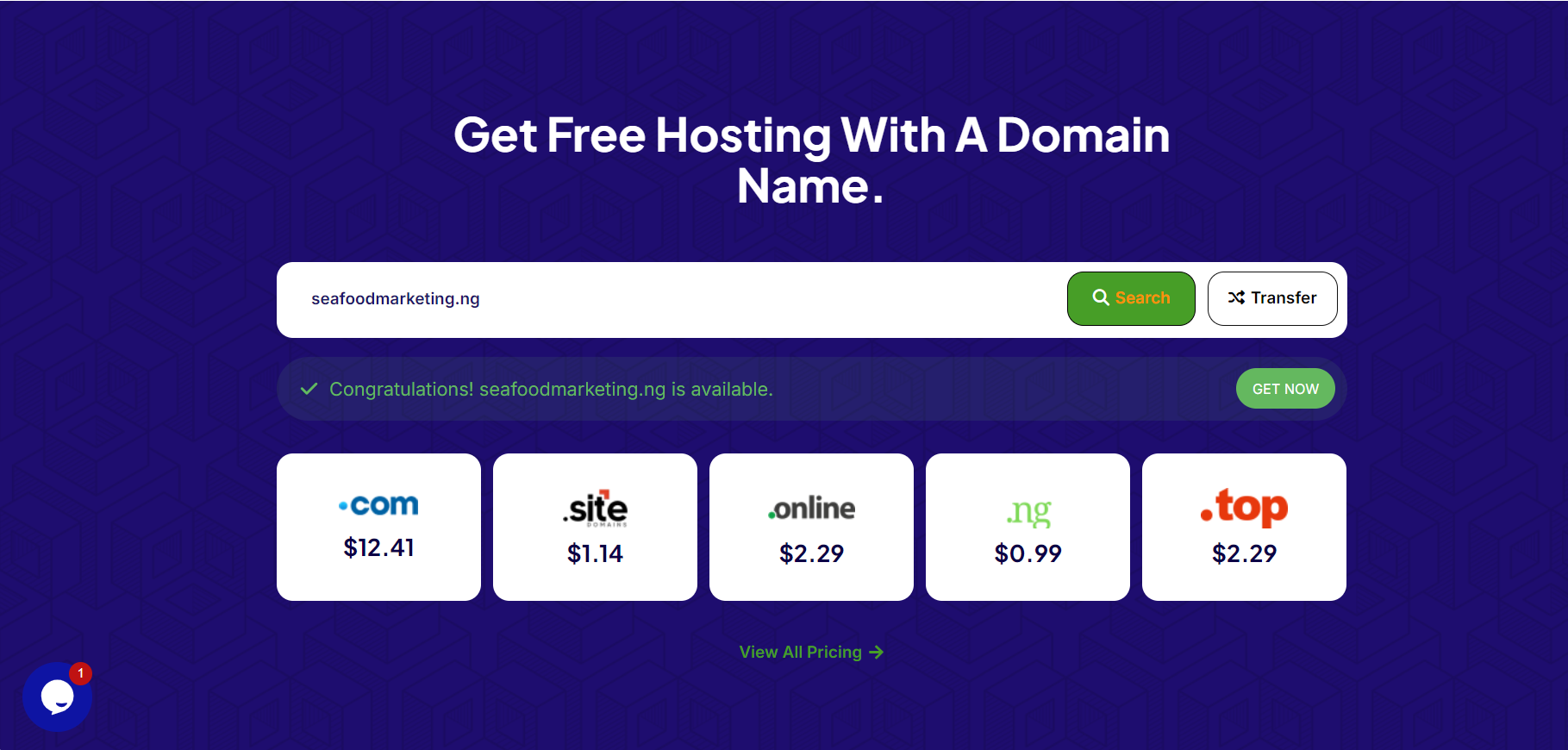
If it is available, click the `get now` button to move onto step 3.
2. From Your Client Portal.
-
If you are landing from the client area and are already signed in, you can follow these steps to complete the flow:
-
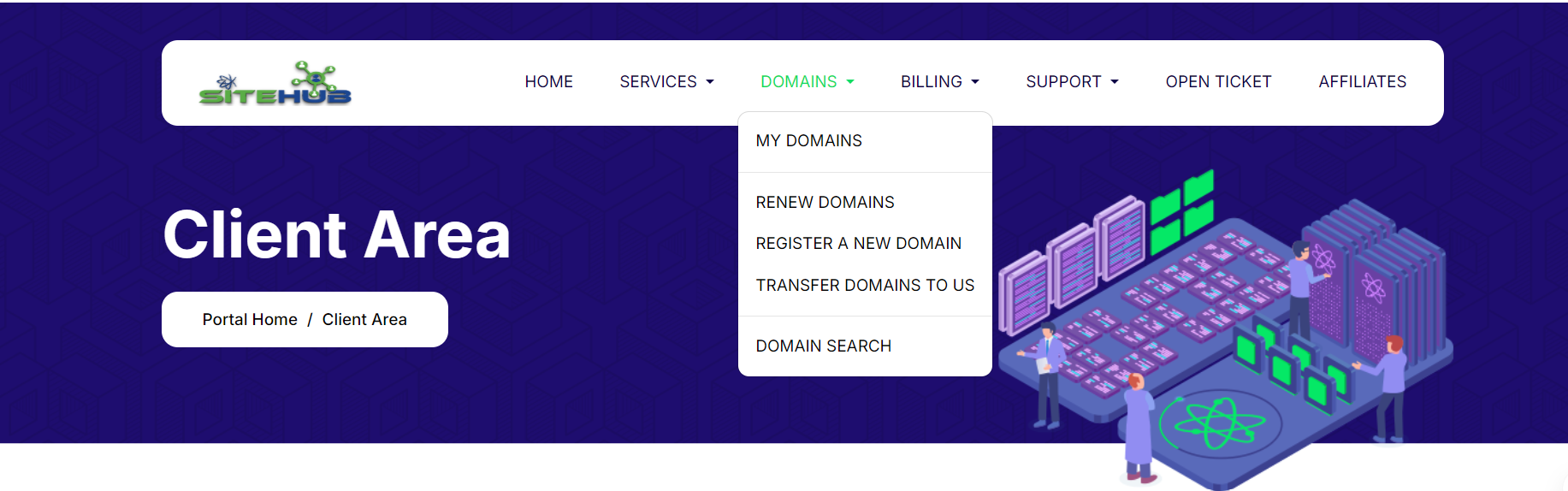
Navigate to the domains tab from the top menu.
-
Click on `
REGISTER A NEW DOMAIN`.
-
-
This will lead you to check domain availability in step 3.
3. From The Client Area
If you have not been redirected to this step from either the website or client portal, you can still start and complete the registration process here.
-
-
If you are coming from the client portal, the process will be streamlined as you will not need to sign in or register again to complete the purchase.
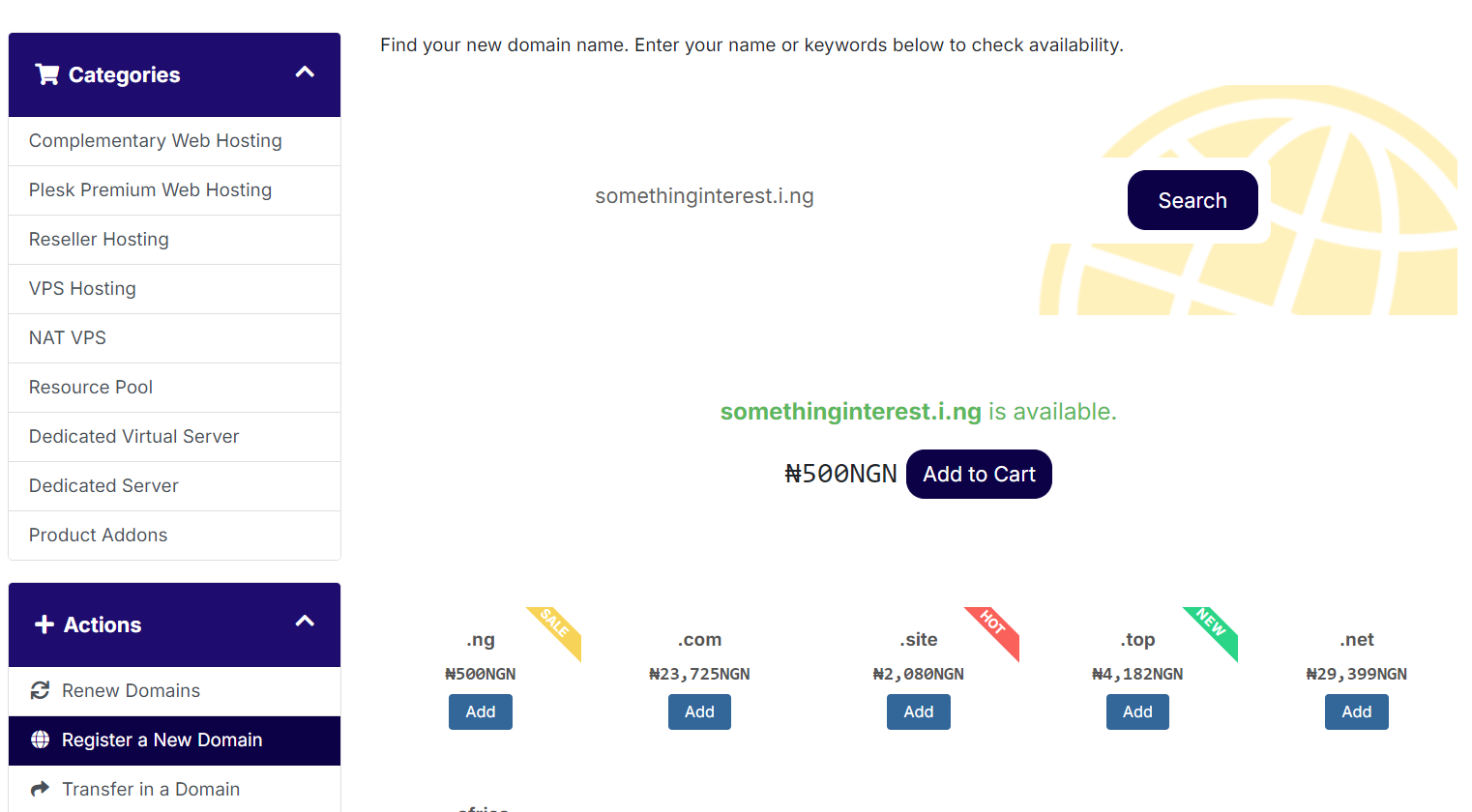
You will now be presented with a domain check which will check the availability of the domain extension letting you know if it is available or not. If it is, you can proceed to the next steps.
-
-
- Once availability is confirmed, click "Add to Basket."
- Add as many domains or services as needed, then click "Checkout" to proceed to the next step.
-
-
Nameservers and Additional Services
-
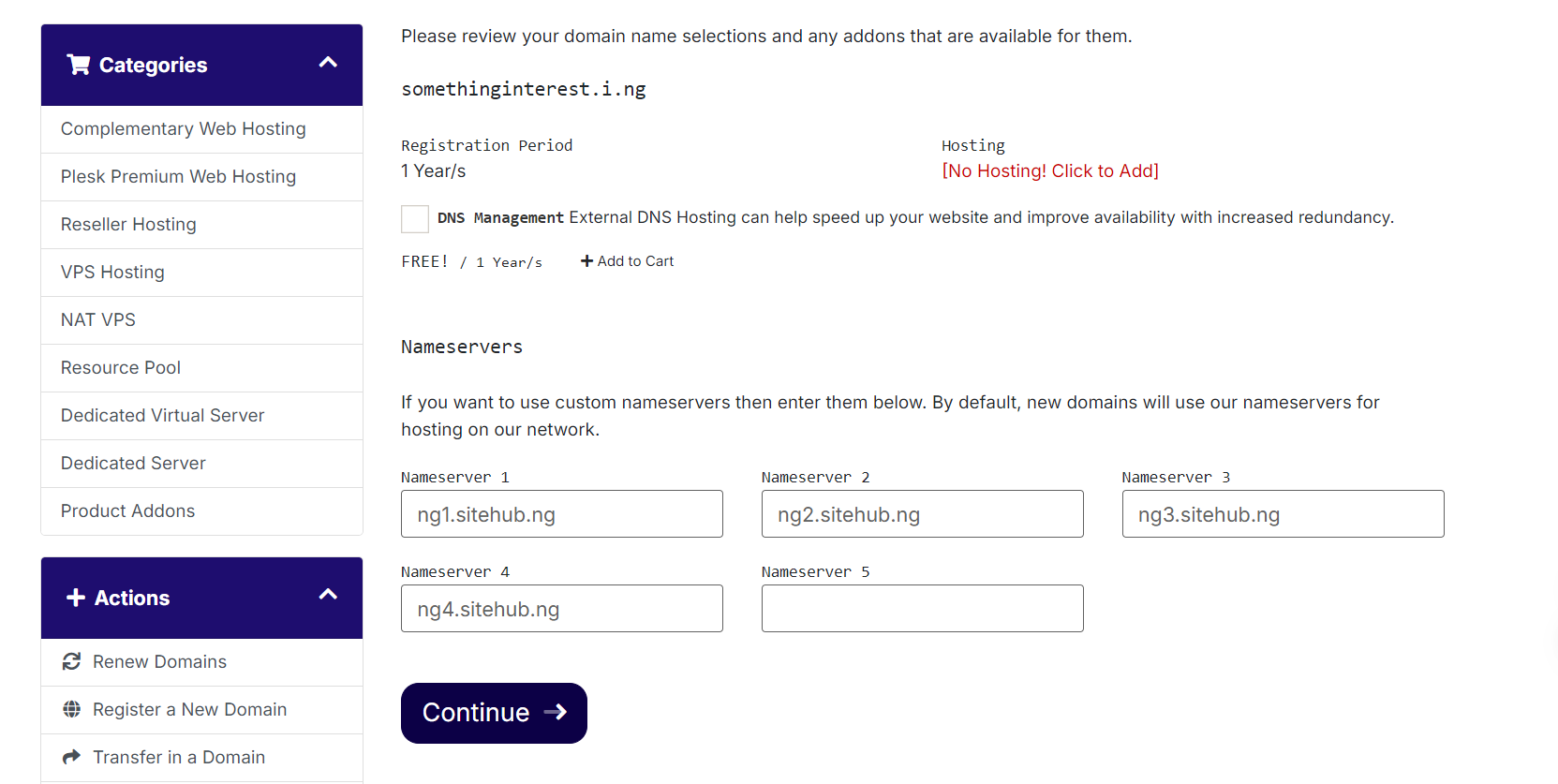
You will now be presented with the nameservers screen where you can add DNS management and web hosting if needed.
-
You can either leave the nameserver records as they are if you will be hosting with us, or use custom nameservers to host your domain elsewhere. Click continue.
-
-
Promotional Codes
-
If you have any promotional codes, please enter them in the next screen; otherwise, click "Checkout."
-
- Payment
-
You will now be presented with multiple payment gateways. Choose the one most suited to your payment preference and complete the payment.
-
- Support
-
If you experience any issues during this process, please reach out to us for assistance.
-